

Spark SHS integration
This guide provides step-by-step instructions integrating Spark Solar Home Systems with your MicroPowerManager project.
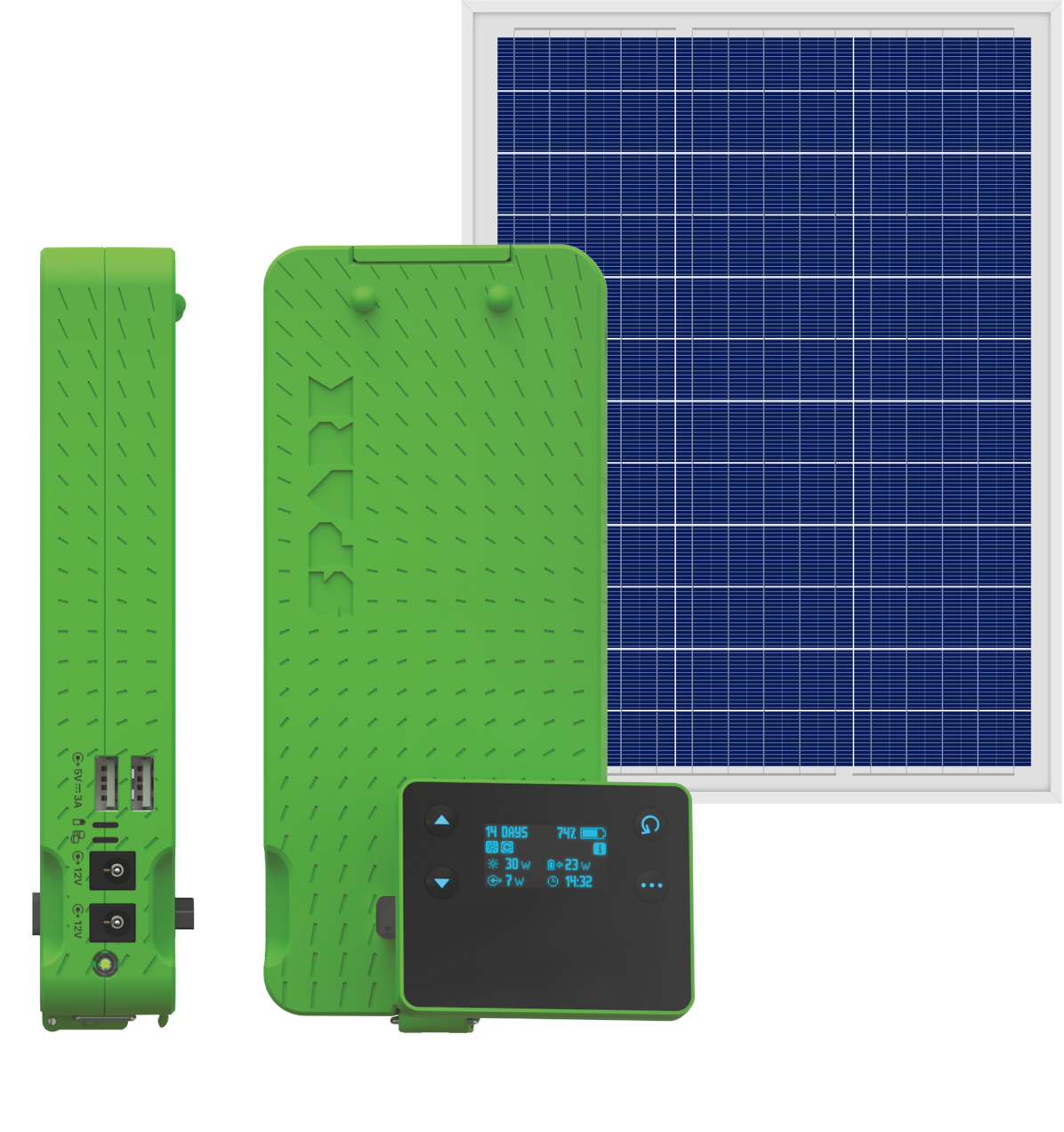
Overview
Pre-requisites
- Log into the Spark Portal and confirm you can see devices.
- Credentials (
client_idandclient_secret) are provided by SparkSHS support.
Integration
Enable
SparkShsplugin for MicroPowerManagerEnter credentials as
client_idandclient_secretClick
Test Credentials, thenSaveif successful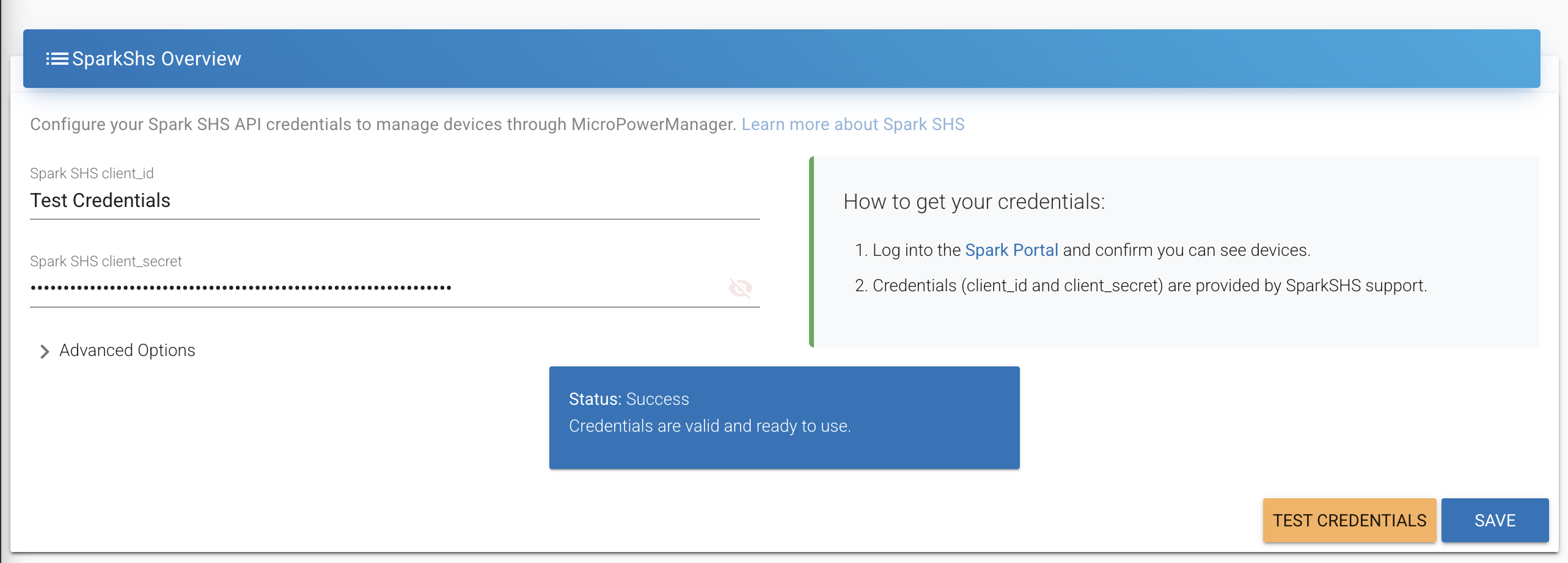
INFO
It possible to customise the Spark SHS backend and auth URL's. For example to point to Staging environment. Under normal circumstances this isn't required and the default values will be correct.