
Odyssey Energy Integration
This guide provides easy-to-follow steps to set up an integration with the Odyssey energy platform for data analytics and reporting.
Overview
Odyssey is a data analytics platform that pulls payment transaction data from your MicroPowerManager instance. This integration allows Odyssey to access your payment history, customer information, and transaction details for comprehensive analysis and reporting.
Prerequisites
- Access to your Odyssey platform account
- MicroPowerManager instance with transaction data
- Admin access to MicroPowerManager to enable the Odyssey plugin
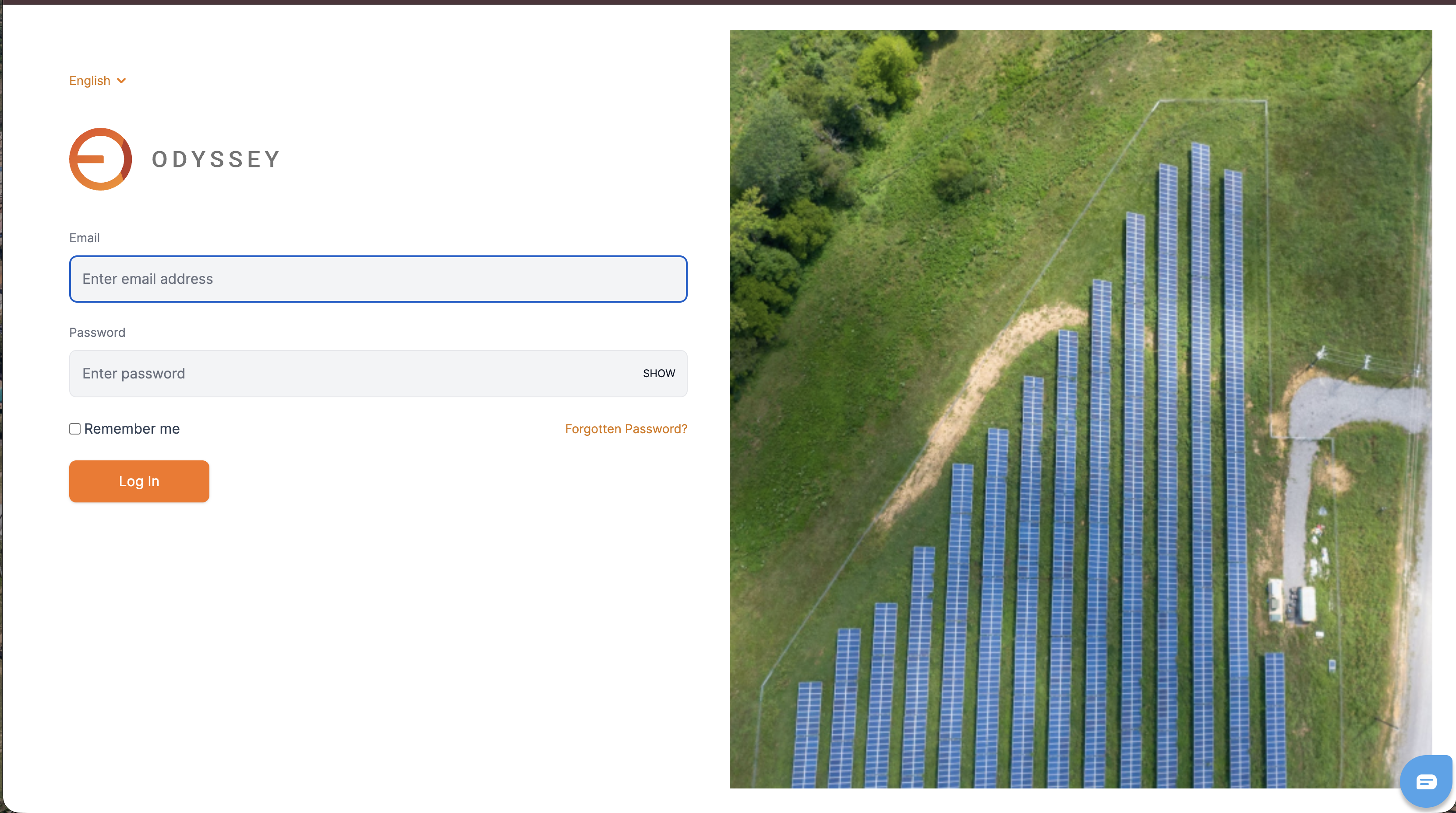
Step 1: Access Odyssey Platform
- Navigate to your Odyssey platform login page
- Enter your credentials to access the dashboard
Step 2: Enable Odyssey Plugin in MicroPowerManager
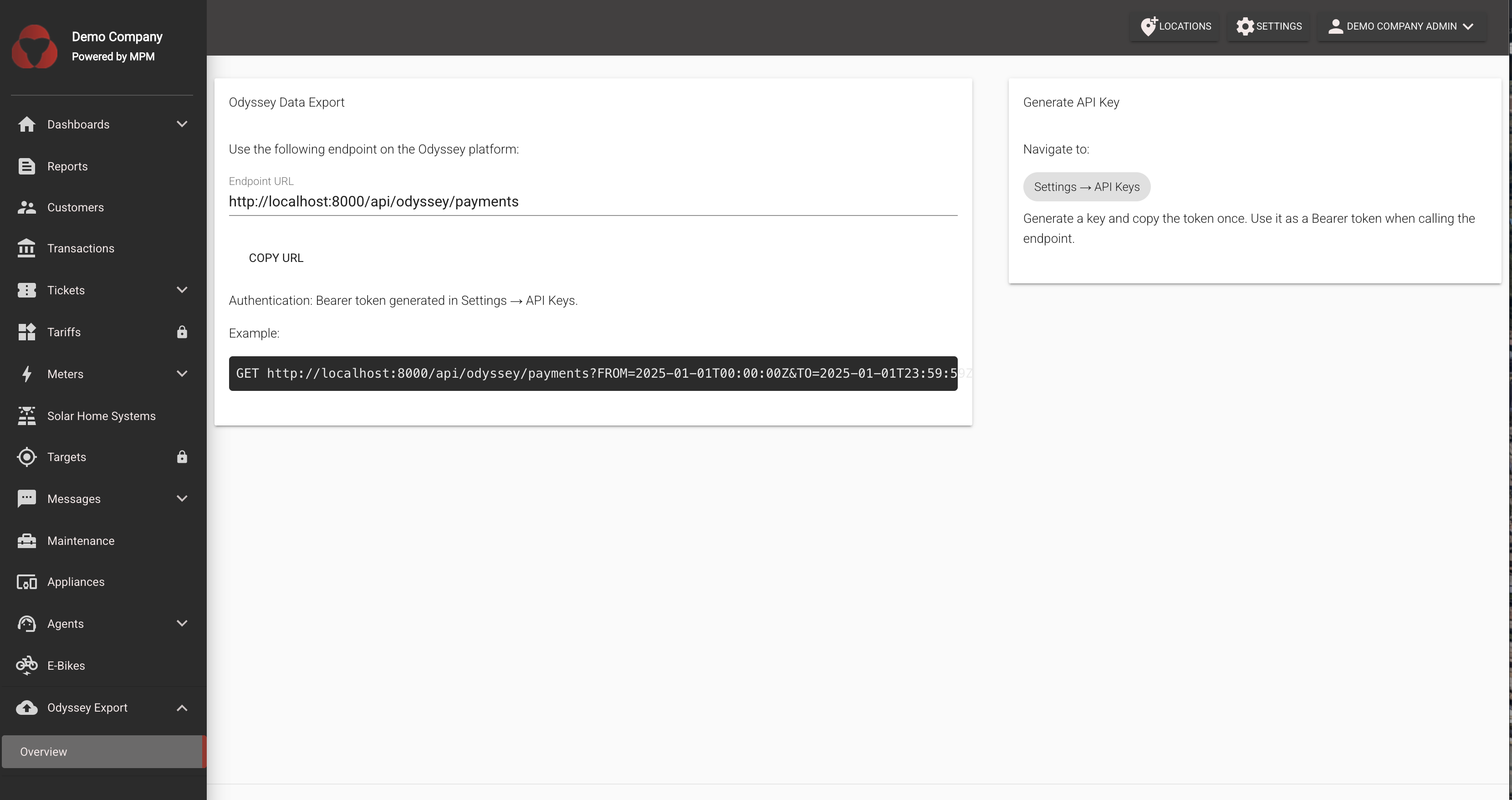
Before Odyssey can access your data, you need to enable the Odyssey plugin:
- Log in to your MicroPowerManager instance
- Navigate to Settings → Configuration → Plugins
- Locate the Odyssey Data Export plugin
- Toggle the switch to enable the plugin
Step 3: Generate API Key for MPM
To allow Odyssey to securely access your MicroPowerManager data:
- In MicroPowerManager, navigate to Settings → API Keys
- Click Generate New API Key
- Copy the generated API key (you'll need this for the Odyssey configuration)
- Keep this key secure - it provides access to your transaction data
Step 4: Select the Financing Program (optional)
If your mini-grids take part in an Odyssey financing program, select it on the Odyssey Data Export plugin page under Financing Program and click Save. The selected program (REA_NEP_PBG, REA_NEP_OBF, BRILHO_SHS or UEF_SSPU) is sent as financingId with every exported payment.
Step 5: Configure Data Integration in Odyssey
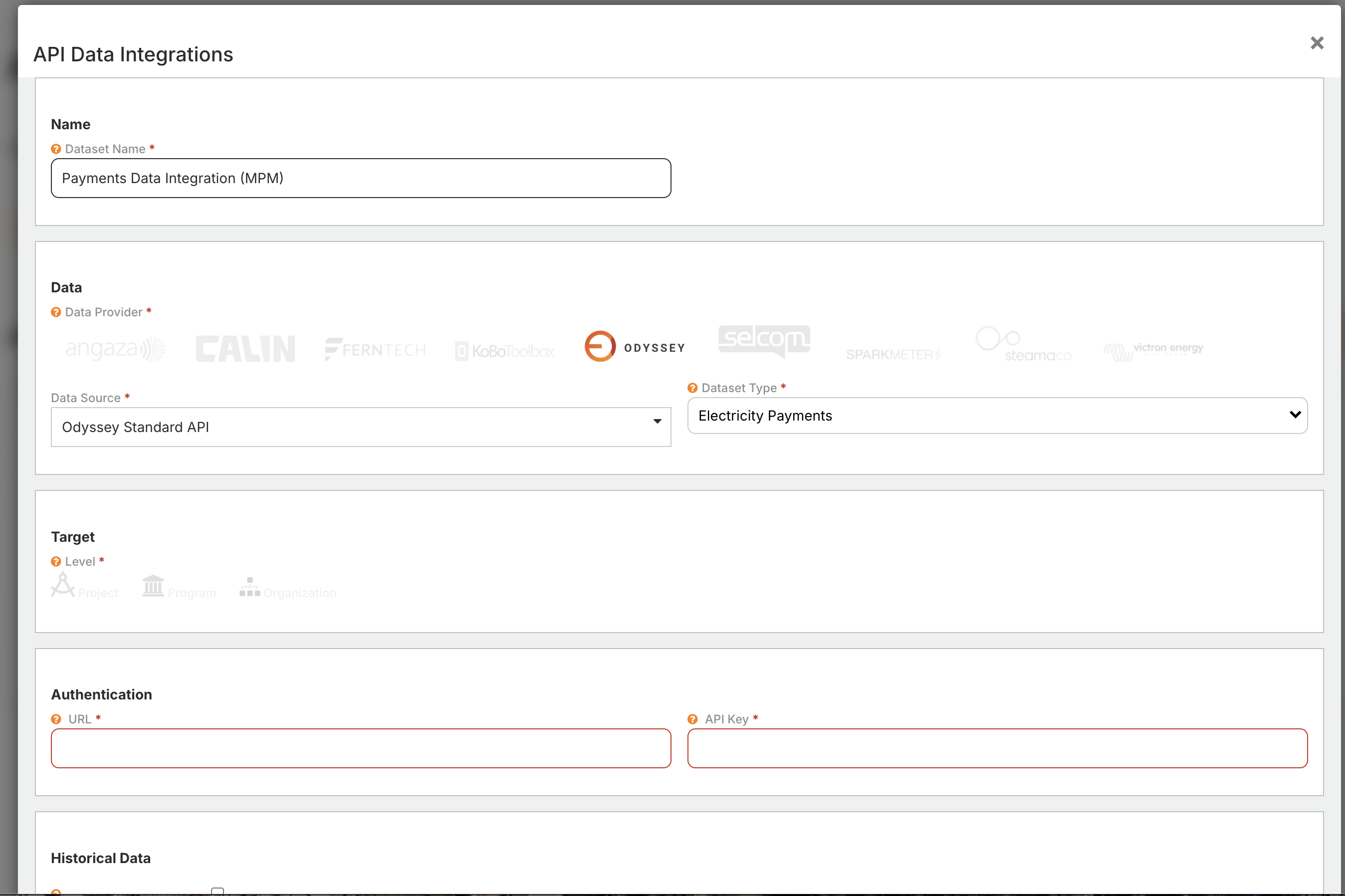
In your Odyssey dashboard, navigate to the Data Integration section
Select Add New Data Source
Choose Odyssey as the data provider
Enter the following configuration details:
- API Key: Paste the API key you generated in Step 3
- Base URL: Enter your MicroPowerManager instance URL (e.g.,
https://api.cloud.micropowermanager.io/api/odyssey/payments) - Site ID (optional): If you want to filter data by a specific mini-grid, enter the mini-grid ID or name. Payments are matched by the customer's primary address.
Click Save to activate the integration
Step 6: Verify Data Integration
Once configured, Odyssey will automatically pull payment data from your MicroPowerManager instance:
- Navigate to the Analytics section in Odyssey
- Check that transaction data is appearing in your dashboard

How It Works
The Odyssey integration works by:
- Odyssey periodically queries the MicroPowerManager API endpoint at
/api/odyssey/payments - The API returns payment transaction data following the Odyssey Standard Payment API, including:
- Customer information (ID, name, phone, category)
- Transaction details (amount, timestamp, type, purchased kWh for energy tokens)
- Device information (serial number of the meter, solar home system or e-bike, and the meter ID for meters)
- Location data (latitude, longitude)
- Mini-grid ID as
utilityId, financing program asfinancingId, and agent information (if applicable)
- Odyssey processes and displays this data in analytics dashboards
Payment types are reported as follows:
| MPM payment type | Odyssey transactionType |
|---|---|
| Energy token | ENERGY_CREDIT |
| Access rate | FULL_PAYMENT |
| Appliance installment, down payment, EaaS rate | INSTALLMENT_PAYMENT |
| Payment not linked to an appliance contract | NON_CONTRACT_PAYMENT |
Note: The API limits queries to 24-hour date ranges to ensure optimal performance.
Troubleshooting
Common Issues
No Data Appearing in Odyssey
- Verify the Odyssey plugin is enabled in MicroPowerManager
- Check that the API key is valid and correctly entered in Odyssey
- Ensure your MicroPowerManager instance is accessible from Odyssey's servers
Authentication Errors
- Regenerate the API key in MicroPowerManager
- Update the API key in Odyssey's configuration
Missing Transaction Data
- Confirm there are payment transactions in your MicroPowerManager database
- Check the date range being queried by Odyssey
Support
For technical support:
- Contact the Odyssey support team for platform-related issues
- Check MicroPowerManager logs for API errors
This integration enables real-time analytics and reporting of your payment transactions, providing valuable insights for business operations and financial management.